Telegram video downloader bot
Send a link to @KlipovaBot and get the file back in the same chat
@KlipovaBot is a free Telegram bot that downloads videos, audio and photos from TikTok, Instagram, X (Twitter), Facebook and other sites. There is no app to install and no website to open: paste a link into the chat and a few seconds later the bot sends the file back, ready to save to your gallery, forward to a friend or watch offline.
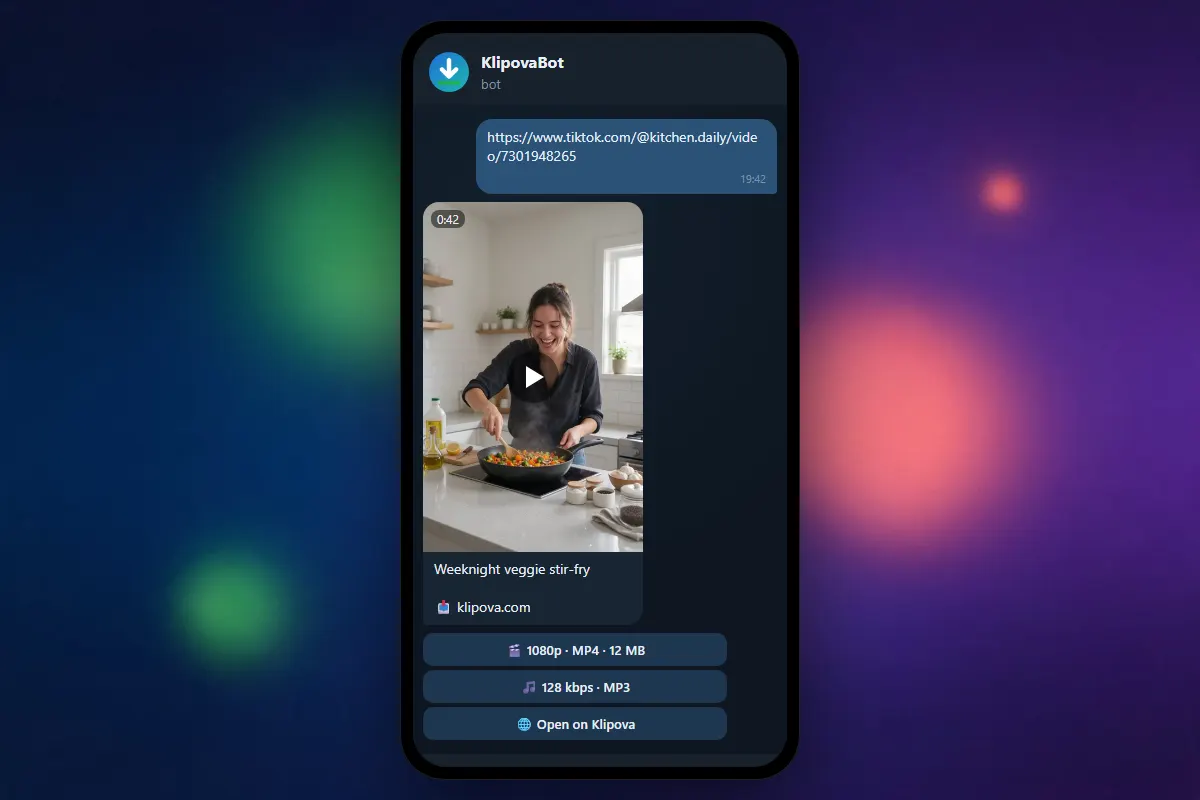
How to download videos with the Telegram bot
- Open the bot. Search for @KlipovaBot in Telegram or open t.me/KlipovaBot, then tap Start. The bot replies in the language of your Telegram app.
- Copy a link. In TikTok, Instagram, X or Facebook tap Share → Copy link on the video or post you want to keep.
- Send the link. Paste it into the chat with the bot and send it. The file arrives as a normal Telegram video, audio or photo message.
The video you receive behaves like any other Telegram media. Tap and hold it to save it to your gallery, forward it to a friend, or keep it in Saved Messages to watch later. On a computer, right-click the video and choose Save as.
Examples
Download a TikTok video in Telegram
Send a link such as https://www.tiktok.com/@user/video/7301…. The bot answers with the video in the best quality Telegram accepts, together with buttons for other qualities and the sound as MP3 when it is available. If you prefer the website, use the TikTok downloader or TikTok to MP3.
Save an Instagram carousel as an album
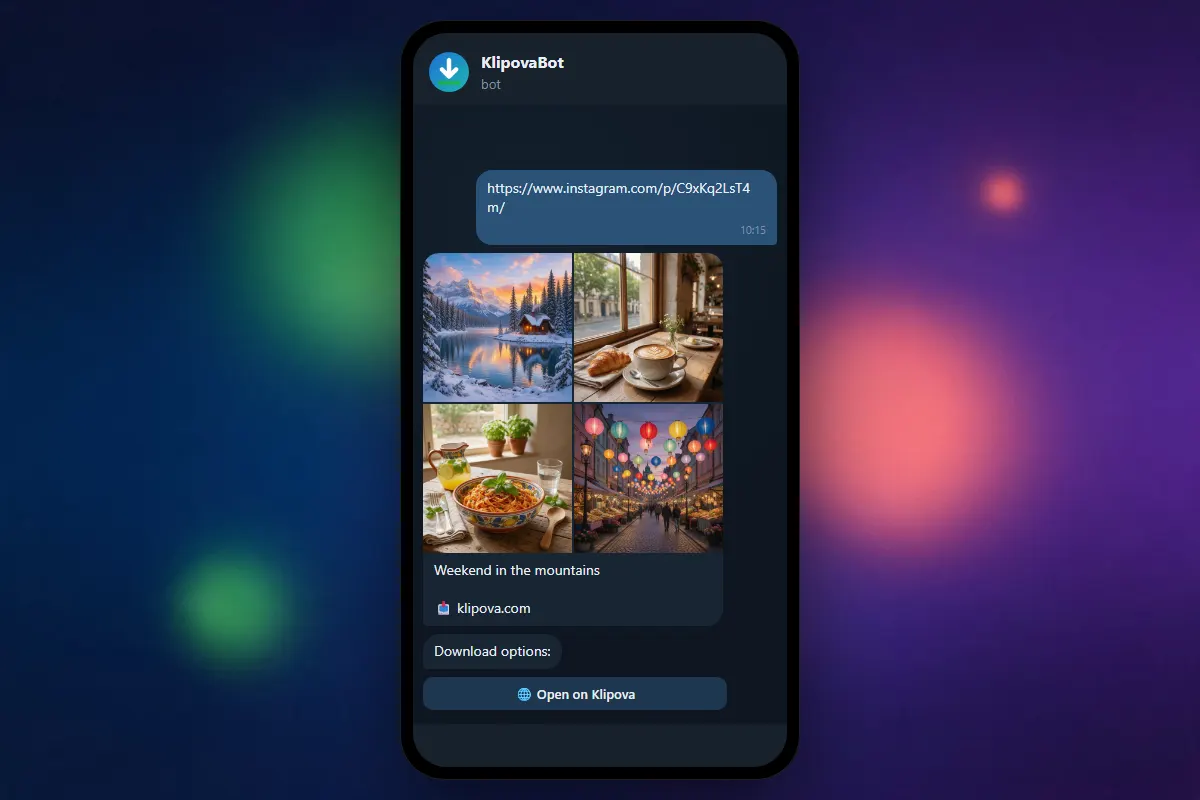
Send a post with several photos or videos (instagram.com/p/…). Up to ten items arrive together as a Telegram album, in the original order. A Reels link (instagram.com/reel/…) comes back as a single video. Only public accounts are supported. More tips: Instagram downloader and Instagram Reels download.
Save a video or GIF from X (Twitter)
Paste the link of a post (x.com/…/status/…). Videos and animated GIFs come back as videos you can save or forward. The Twitter video downloader page explains quality options in detail.
Facebook, Pinterest, Reddit and more
Public Facebook videos and Reels, Pinterest videos and images, Reddit videos with sound, Vimeo, Dailymotion and VK work the same way. Each site has its own page with tips: Facebook, Pinterest and Reddit.
What happens with large files?
Telegram allows bots to send files of up to 20 MB from a link. Most TikToks, Reels and short clips fit easily. When a video is larger, for example a long Facebook video, the bot sends a message with up to four download buttons (such as 720p MP4, 480p MP4 and audio) and an Open on Klipova button. Tap a button to download the file in your browser; nothing is lost.
Use the bot in group chats
Add @KlipovaBot to a group with your friends or your team. In groups the bot only reacts to the /dl command, so it never interrupts the conversation: type /dl followed by the link and everyone in the group gets the video.
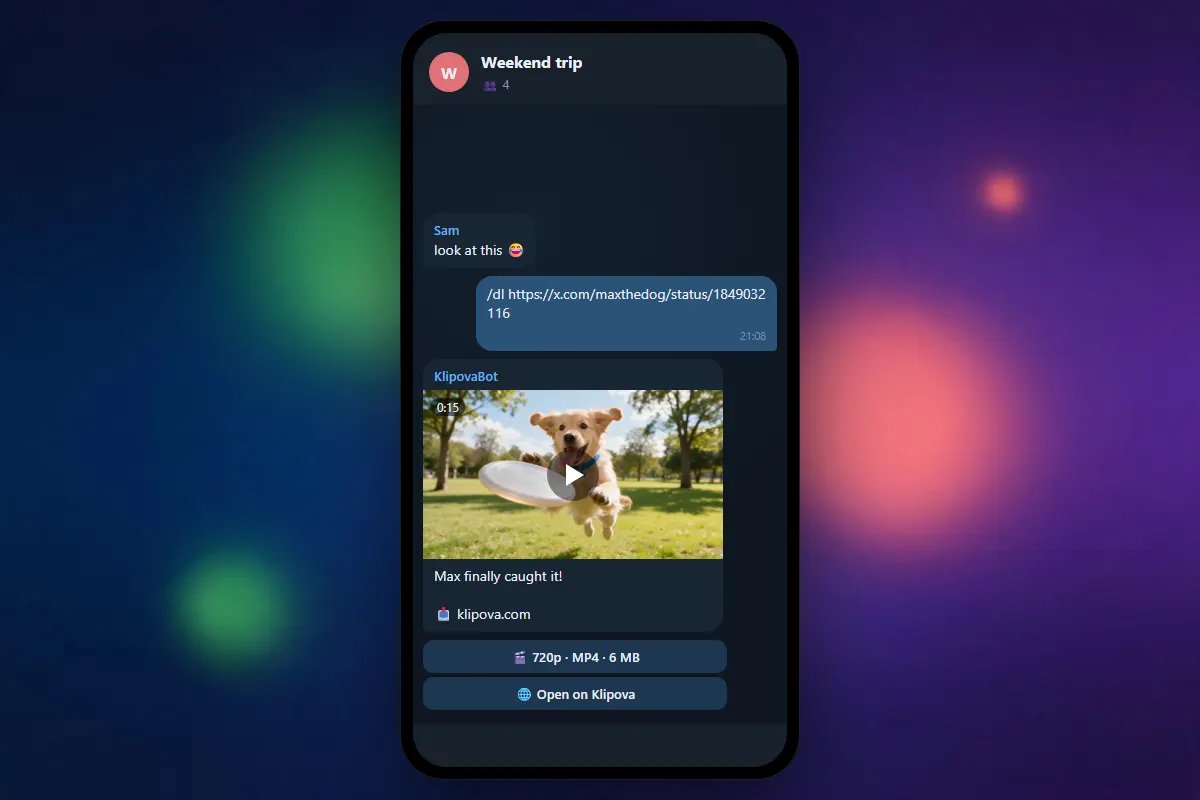
Bot commands
/start: how to use the bot/help: supported sites and tips/dl <link>: download inside a group (in a private chat you can simply send the link)
Bot, website or browser extension?
- Telegram bot: the quickest way on a phone; the file lands in the chat.
- Klipova website: every quality, playlists, large files and converters, in any browser.
- Browser extension: a Download button right on supported sites on your computer. For YouTube, the Firefox extension works best.
- Android app: share from any app straight to Klipova.
Privacy and fair use
The bot does not store your links, your chat ID or the files you download. It only works with public content and never asks for your social media password. Read the privacy policy for details, and please download only content you own or have permission to use.